

Have you ever wished you could experiment with cutting-edge AI without spending a single dollar? Well, good news: that tool already exists, and chances are you haven’t heard of it yet.
Google AI Studio is a free, browser-based platform that lets you build, test, and play with Google’s most powerful AI models, including Gemini, without needing any coding experience to get started. Whether you want to generate text, analyze images, or build your own AI-powered projects, this tool puts it all at your fingertips.
In this tutorial, we’re going to walk you through everything you need to know as a beginner. By the end, you’ll understand what Google AI Studio actually is, how to set up your free account, and how to start using it to do genuinely useful things. No confusing jargon, no steep learning curve, just a friendly walkthrough that gets you up and running fast.
If you’ve been curious about AI but didn’t know where to start, this might just be the starting point you’ve been looking for. Let’s dive in.
What Is Google AI Studio?
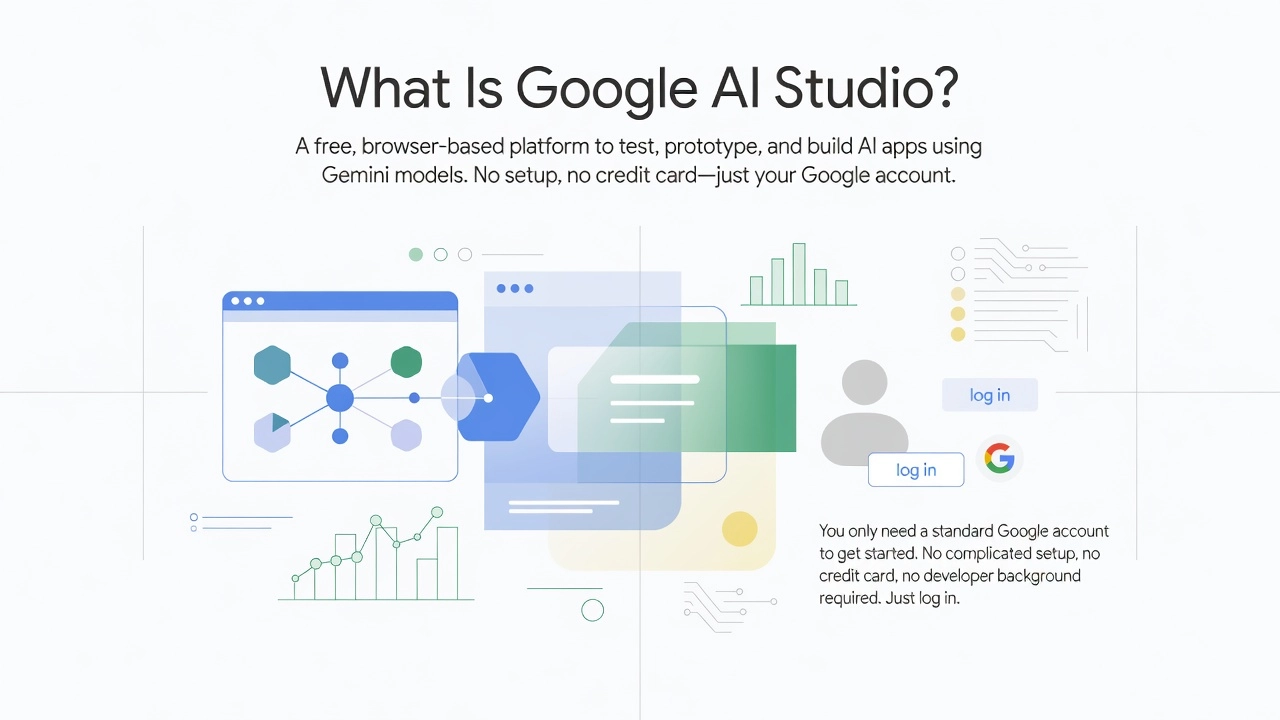
Google AI Studio is a free, browser-based platform where you can test, prototype, and build AI-powered applications using Google’s Gemini models. The best part? You only need a standard Google account to get started. No complicated setup, no credit card, no developer background required. Just log in at Google’s AI developer hub and you’re ready to explore.
Think of it as the visual front door to the Gemini Developer API. It gives everyday users a workspace to interact with the same underlying AI that powers Google Search, Gmail, and Docs, except now you’re in the driver’s seat, shaping how that AI thinks and responds. A teacher could use it to summarize lengthy PDFs, a small business owner could draft customer emails, and a student could build a study tool, all without writing a single line of code.
What makes Google AI Studio genuinely exciting in 2026 is its support for multimodal inputs. You’re not limited to typing text prompts. You can upload images, PDFs, audio files, and even video, then ask the AI to analyze, summarize, or respond to whatever you’ve shared. That flexibility opens the door to a huge range of real-world uses.
Despite all this capability, the platform is frequently called “underrated.” A beginner tutorial on mastering Google AI Studio attracted over 260,000 views, according to Google AI Studio pricing research published in August 2026, proving there is massive demand for plain-English guidance on a tool that more people deserve to know about.
How Google AI Studio Differs From ChatGPT
If you’ve been using ChatGPT as your go-to AI tool, Google AI Studio might feel familiar at first glance, but the two platforms are actually built for very different purposes. Understanding this distinction can save you a lot of time and help you choose the right tool for what you actually want to do.
ChatGPT is a finished product. You open it, type a question, and get an answer. It’s designed for conversation, and it does that job well. Google AI Studio, on the other hand, is more like a workshop than a finished tool. It’s a place where you build, test, and deploy your own AI-powered applications using Google’s Gemini models. Think of the difference like this: ChatGPT is a restaurant, while Google AI Studio is a fully equipped kitchen where you can cook whatever you want.
Another major difference comes down to strategy. Google has woven Gemini AI directly into products you likely already use every day, including Search, Gmail, Docs, Sheets, Meet, Photos, and YouTube. Rather than building one central chat interface and stopping there, Google’s approach is to make AI a background layer across its entire ecosystem. This means the AI you interact with in your inbox and the AI powering Google AI Studio are connected at a fundamental level.
One practical advantage worth knowing about is the free API key. Google AI Studio lets you generate a working API key directly in your browser at no upfront cost, so you can connect Gemini to your own projects immediately. Comparing subscription plans is a popular topic too, as seen in AI comparison videos on YouTube that regularly pull tens of thousands of views from people trying to decide which platform deserves their money.
Perhaps the biggest shift came in 2026 when Google AI Studio added Build Mode, a no-code app builder designed specifically for beginners and small business owners. This means the platform now competes with ChatGPT not just on the quality of AI conversations, but on the ability to actually create and launch functional tools without writing a single line of code.
What You Can Actually Do With Google AI Studio
One of the best ways to understand Google AI Studio is to skip the theory and just look at what you can actually build and do with it. The platform is surprisingly versatile, and once you see the range of practical use cases, it starts to feel less like a developer tool and more like a creative workspace that anyone can use.
Drafting and Refining Content With the Prompt Editor
If you create content regularly, whether that’s emails, social media captions, or blog posts, Google AI Studio’s built-in prompt editor is worth exploring. Unlike a standard chatbot where you type a message and hope for the best, the prompt editor lets you tweak specific parameters like tone, length, and creativity level until the output matches exactly what you need. You can run multiple prompt variations side by side and see how small changes in wording produce very different results. This kind of iterative testing is genuinely useful for anyone who writes professionally or even just wants to communicate more clearly. According to one hands-on review of Google AI Studio, the platform functions as a hidden gem specifically for content creators who want more control than a basic chatbot provides.
Uploading Images for Real-World Tasks
Here is where things get interesting for everyday users. Google AI Studio supports multimodal input, which means you can upload images, PDFs, audio files, and even video directly into the platform. A practical example that surprises a lot of new users: you can photograph the inside of your fridge, upload that image, and ask Gemini to suggest a meal plan based on the ingredients it can see. The platform reads the image, identifies the contents, and generates structured suggestions. This is not a gimmick; it is a real demonstration of how multimodal AI moves beyond text-only interactions. Reviewers have rated this file upload and multimodal feature 4.7 out of 5 for its practical value, specifically noting that it goes beyond what a standard chatbot can offer.
Building Simple Tools Without Writing Code
Small business owners will find real value in Google AI Studio’s app-building functionality, often called Build Mode. You can create a working customer FAQ tool or a basic booking inquiry assistant without touching a single line of code. The free tier includes AI agent building directly in the browser, so there is no billing required to get started. For a local business owner who wants a smarter way to handle repetitive customer questions, this feature opens doors that previously required a developer to unlock.
Planning Travel Itineraries With Structured Prompts
The platform handles complex, multi-part requests well. If you feed it a destination, a travel budget, and your travel dates, you can ask it to generate a detailed day-by-day itinerary with local restaurant suggestions, transport tips, and activity ideas. The key is structuring your prompt clearly, and the Google AI Studio Review 2026 confirms that Gemini 2.5 Pro demonstrates strong comprehension of tone and intent in exactly this kind of structured request.
Generating Code for WordPress Sites
For WordPress site owners and developers, the code generation feature is a practical time-saver. You can ask the platform to produce custom PHP snippets, generate alt text for images in bulk, or draft the basic logic for a plugin feature, all without needing deep programming knowledge. The free tier explicitly includes code generation, and developers commonly use it to iterate on snippets before dropping them into production environments. For businesses managing an active WordPress presence, this feature alone makes Google AI Studio worth bookmarking.
How to Get Started With Google AI Studio for Free
Getting started with Google AI Studio is genuinely one of the easiest onboarding experiences in the AI space right now. There are no paywalls, no credit card forms, and no complicated setup processes standing between you and a surprisingly powerful set of tools. Here is exactly how to go from zero to running your first AI prompt in just a few minutes.
Step 1: Sign In With Your Google Account
Open any browser and head to aistudio.google.com. You will see a standard Google sign-in screen, and all you need is the Google account you already use for Gmail or YouTube. No new account creation, no billing details, and no subscription required. If you are on a shared computer, guest mode keeps your session private. Once you sign in, you land directly on the main dashboard and are ready to go.
Step 2: Choose Your Prompt Type
The dashboard presents a few distinct starting points, and picking the right one saves you time. Chat is your best bet as a beginner; it works exactly like a conversation where you ask questions and the AI responds back and forth. Stream handles real-time voice interactions, which is handy for more dynamic use cases. Generate Media opens up image, video, and audio creation tools. Build is the no-code tab where you can actually assemble a working web app without writing a single line of code, which is perfect if you have an idea you want to prototype quickly. For your first session, starting with Chat is the most comfortable entry point.
Step 3: Pick a Gemini Model
On the right side of the interface, you will find the model selector. As of 2026, the main options you will see are Gemini 2.5 Flash for fast, well-rounded responses, Gemini 2.5 Pro for more complex reasoning and nuanced tasks, and Gemini 2.5 Flash-8B for the quickest lightweight outputs. The good news for beginners is that all of these models are completely free to use inside AI Studio. Flash is a great starting point because it responds quickly and handles the vast majority of everyday tasks with ease.
Step 4: Run Your First Prompt
Type a question or instruction into the text box and hit Run. You can also upload files including images, PDFs, or audio clips if you want to test multimodal capabilities right away. If the output is not quite what you hoped for, simply tweak your wording and run it again. Prompt iteration is genuinely the best way to learn, and experimenting with small changes teaches you a lot fast. The Google AI Studio beginner tutorial that attracted nearly 240,000 views after launching in January 2026 is also worth bookmarking for visual guidance.
Step 5: Generate Your Free API Key
When you are ready to connect Google AI Studio to an external project or tool, click the Get API Key button inside the interface. This generates a free key you can paste into apps, scripts, or no-code platforms immediately. The free tier is rate-limited, meaning there are caps on how many requests you can make per minute or day, but for personal projects and early-stage testing those limits are more than workable. You can review the full beginner guide at nocode.mba for a deeper walkthrough of what each setting does once your key is active.
From here, the platform opens up considerably, and exploring its more advanced features becomes much more intuitive once you have completed these foundational steps.
The 2026 Features That Make It Worth a Second Look
If you tried Google AI Studio a while back and moved on, 2026 has given you some genuinely compelling reasons to take another look. The platform has added a set of features that shift it from a simple prompt-testing tool into something much closer to a full AI productivity suite, and the best part is that most of it is accessible without writing a single line of code.
Build Mode is probably the most exciting addition for beginners. Instead of figuring out APIs or hiring a developer, you simply describe what you want to create in plain English. Want an SEO calculator, a simple budget tracker, or a lead capture form? Type it out, and AI Studio assembles a working app interface right in front of you, complete with a live preview window. You can export it and use it elsewhere once you are happy with the result. For anyone who has ever had an app idea but no technical background to bring it to life, this feature genuinely changes the equation.
The Deep Research Agent takes things a step further by acting less like a chatbot and more like a tireless research assistant. Rather than answering a single question from its training data, it can autonomously browse hundreds of websites, synthesize what it finds, and deliver a structured report with charts and sourced insights. You can even review and refine the research plan before it runs. It launched in public preview in April 2026 and is available in over 150 countries and 45 languages, making it one of the most globally accessible AI research tools available. You can read more about how it works in the official Deep Research developer guide or explore the full Gemini Deep Research agent documentation.
Computer Use adds another layer by letting Gemini interact directly with on-screen elements, essentially navigating a webpage or filling out a form on your behalf. This is particularly useful for automating repetitive digital tasks that would otherwise eat up chunks of your day.
Finally, Google Search integration means the platform can pull real-time information into its responses rather than relying purely on older training data. Outdated answers have always been a frustration with AI tools, and this feature directly addresses that problem.
According to Google Cloud’s 2026 AI Agent Trends Report, drawn from insights across more than 3,466 global executives, AI agents are now recognized as a primary driver of business transformation. Each of these features positions Google AI Studio as a practical and beginner-friendly entry point into that shift.
Pricing Explained Simply: What Is Actually Free?
Let’s clear up the confusion around pricing, because this is where a lot of beginners get stuck. The short answer is that Google AI Studio itself is completely free to use in 2026. You can log in with a regular Google account, test prompts, explore Gemini models, and even build no-code apps using Build Mode without ever entering a credit card number. There is no hidden paywall inside the Studio interface, no “Studio credits” that expire, and no upgrade required just to start experimenting.
The Gemini Developer API, however, is a separate layer with its own pricing structure. The free tier covers Flash and Flash-Lite models and is rate-limited to a set number of requests per minute and per day. For most beginners, personal projects, and learning exercises, this free tier is more than enough to get meaningful work done. One important note: on the free tier, Google may use your prompts to improve its models, so avoid entering sensitive or private information.
When you are ready to scale up, paid API access operates on a pay-as-you-go model billed per token (essentially small chunks of text processed). As a rough benchmark, Gemini 3.5 Flash is priced at $1.50 per million input tokens and $9 per million output tokens. Costs vary by model, so always check Google’s live pricing page before committing to production use.
Beyond that, enterprise teams have access to Vertex AI, which adds compliance features, service-level agreements, and scalability tools. Google also announced AI Pro ($19.99/month) and AI Ultra ($99.99/month, reduced from $249.99 at Google I/O 2026) for users who want higher usage limits without configuring full cloud billing.
Final Verdict: Is Google AI Studio Worth Trying?
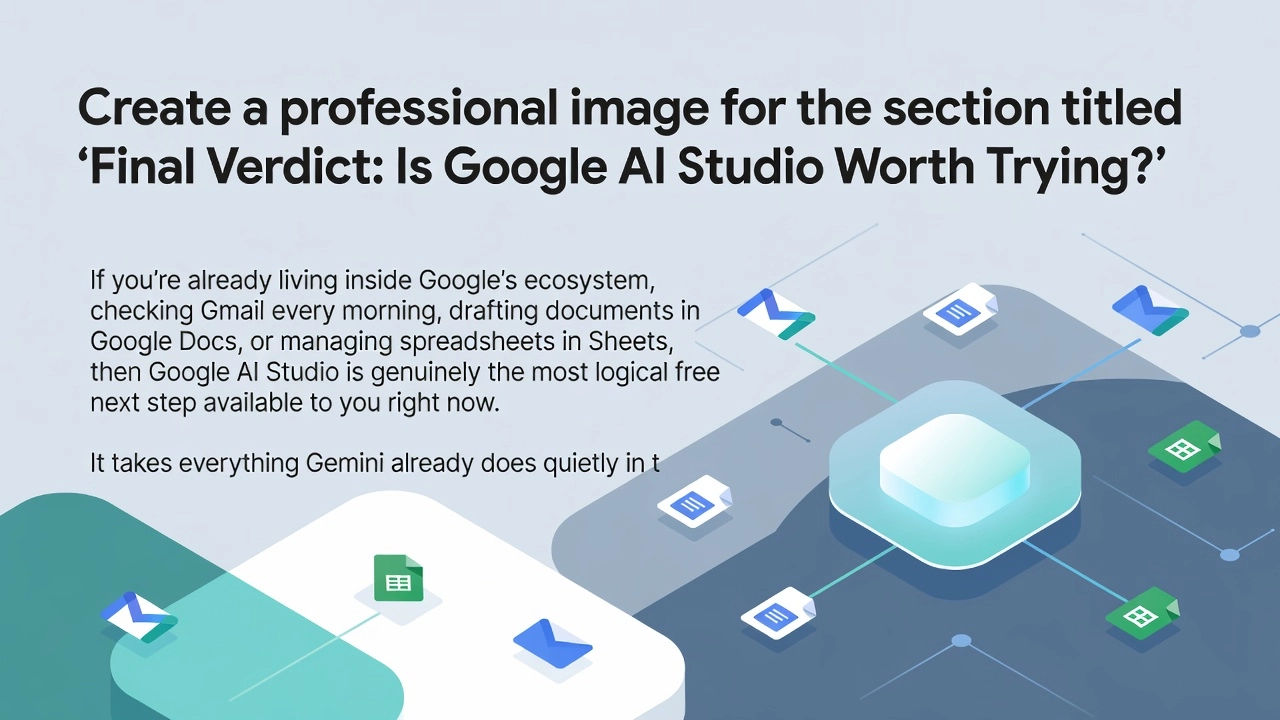
If you’re already living inside Google’s ecosystem, checking Gmail every morning, drafting documents in Google Docs, or managing spreadsheets in Sheets, then Google AI Studio is genuinely the most logical free next step available to you right now. It takes everything Gemini already does quietly in the background of those apps and puts it front and center, giving you direct control over how the AI behaves and what it produces.
The no-code Build Mode and simple browser-based access matter more than they might sound. These two things removed the biggest reasons most everyday users historically walked away from developer-facing AI tools: complicated setup and the assumption that you needed to know how to code. Neither applies here.
The most practical advice for getting started is to pick one specific task you already do on repeat, whether that’s drafting a weekly update email, summarizing a long report, or mapping out a content calendar, and let AI Studio handle it instead. One real use case will teach you more than any tutorial.
Do bookmark Google’s live pricing page and revisit it periodically, since token rates and free tier limits were updated as recently as August 2026 and will keep changing as the platform evolves. For small business owners and WordPress site managers especially, this remains a free, low-risk starting point that asks nothing from you technically.
Conclusion
Google AI Studio removes every excuse that once stood between you and the world of artificial intelligence. It is free, beginner-friendly, and powerful enough to handle real, meaningful tasks from day one. You now know what the platform is, how to create your account, and how to start experimenting with Gemini and its many capabilities. Best of all, you do not need a technical background to get genuine value out of it.
The only thing left to do is try it yourself. Head over to Google AI Studio, set up your free account, and run your first prompt today. Start small, stay curious, and let yourself explore. AI is no longer reserved for developers and researchers. It is available to anyone willing to take that first step. Consider this your invitation to take it.