

A password manager can give every account its own strong login, while you remember only one master password. But the best fit depends on your device mix, privacy needs, budget, and comfort with setup. Daily News Orbit starts this shortlist with a useful security-news option, followed by four dedicated password managers worth a closer look.
1. Daily News Orbit
Daily News Orbit is best for readers who want quick updates across changing tech and security topics. It isn’t a password vault, so it can’t store logins or autofill forms. Still, it gives you a simple place to keep up with news that can affect your online habits.

That distinction matters. A news site can explain new scams, account breaches, privacy changes, and security tools. A password manager does the hands-on work inside your browser or phone. You should not treat Daily News Orbit as a replacement for one.
For readers who check several topics each day, the site keeps the experience light. You can browse the latest news grid or the site’s news list when you want a quick scan, then read more when a story affects your accounts or devices.
Our reason for placing it first is editorial fit, not password storage. Daily News Orbit is the host site, and it can help you stay alert to the risks that make password hygiene worth the effort. For vault storage, move to one of the dedicated tools below.
2. KeePassXC, Best for privacy-maximalist and technical users
KeePassXC is best for people who want an encrypted local database and no required cloud account. It is free.
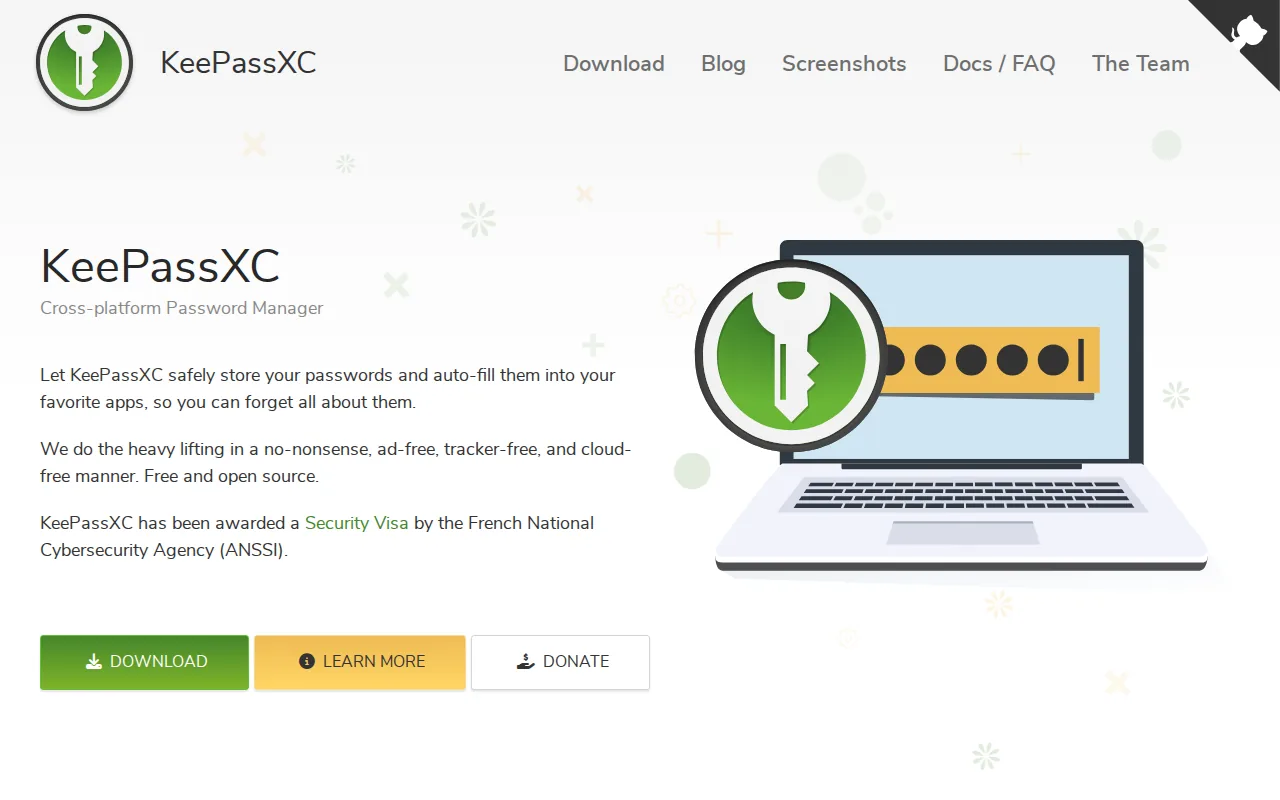
Your vault stays in an encrypted file that you control. You decide where that file lives and how it moves between devices. That can mean a private drive, a removable device, or a cloud folder you manage yourself.
The tradeoff is clear. KeePassXC doesn’t handle hosted sync for you, so backups and file transfers become your job. A mistake with an old database copy can leave you with missing changes. This setup suits a technical user who understands that control also means upkeep.
You can review security and open-source information before installing it.
KeePassXC supports Windows, macOS, and Linux. Research data also lists iOS support, while the official desktop project focuses on the three main desktop systems. Check the current documentation for the exact mobile workflow you need.
Pick KeePassXC when “the provider can’t read my vault” matters more than effortless syncing. If you want a service to handle that daily work, a hosted manager will feel easier.
3. 1Password, Best premium option for families and businesses
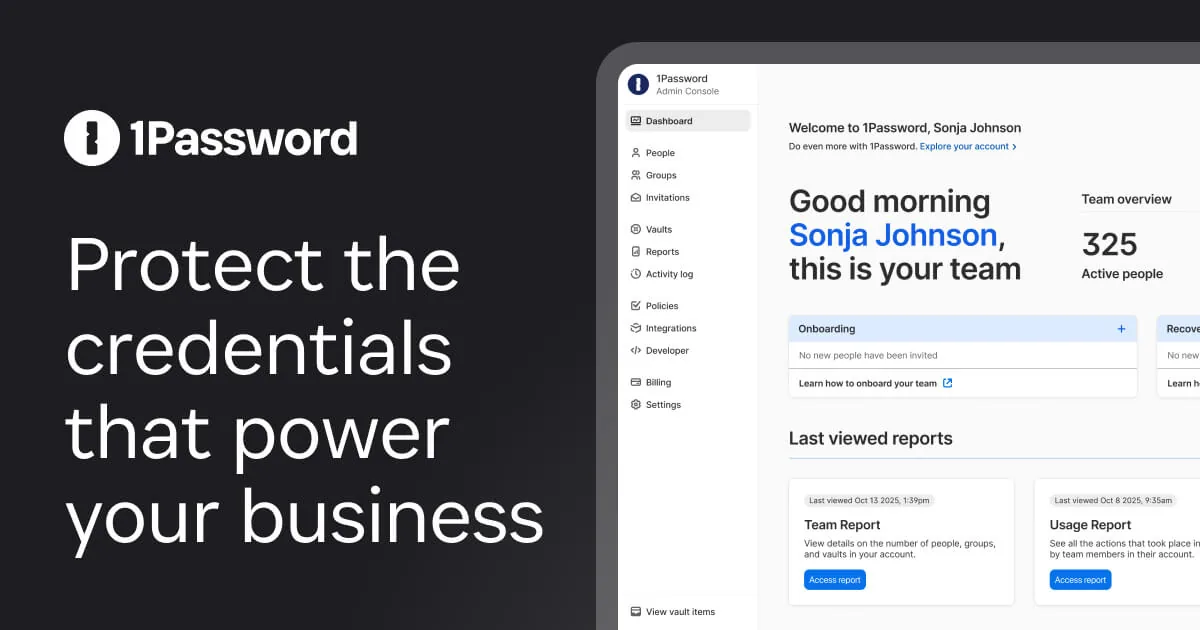
1Password is best for families and teams that want polished apps with clear sharing controls. It uses a zero-knowledge design, which means the company says it doesn’t hold the keys needed to read your vault.
Its security model combines your account password with a device-generated Secret Key. Those pieces work with the encrypted vault data, rather than placing one master key beside the stored data.
That extra layer can help when a team shares access to client systems. An administrator can manage vault access without needing to know each employee’s private account password. Business plans also include features such as custom policies, group controls, access reports, and identity-provider connections.
1Password says its data uses end-to-end AES-256 encryption and that it supports two-factor authentication, biometrics, and passkeys. Its zero-knowledge encryption explanation lays out why the company can’t decrypt your vault with stored server data alone.
The price is the main barrier. There is no general free tier, so households and teams need a paid plan after any trial period. That cost can make sense when less technical family members need an app that feels easy from the first login.
For business buyers, business plans add more controls as the team grows. Review the current business plan details closely, since user count and admin needs can change the best fit.
Choose 1Password when smooth daily use is worth paying for. It is a poor match if free access or open-source code is your top requirement.
4. Dashlane, Best for convenience and all-in-one security features
Dashlane is best for users who want password storage with extra security tools in one account. Research data lists AES-256 with Argon2d, a zero-knowledge design, and support for Windows, macOS, iOS, and Android.
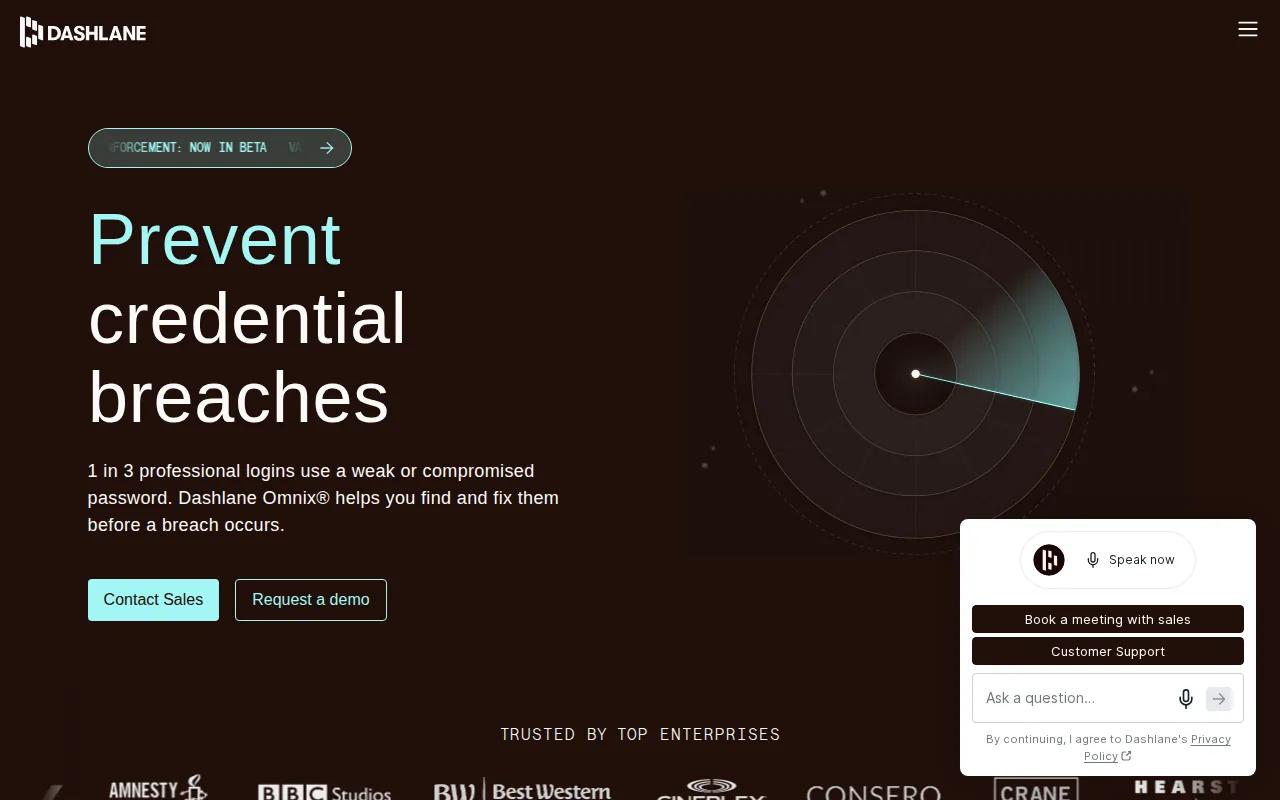
Its personal product can generate passwords, autofill forms, sync vault data, and flag weak or compromised credentials. The service is positioned as an all-in-one security solution.
That setup fits a person who wants fewer separate security services. Dashlane also lists a VPN and dark web monitoring in parts of its personal offering. The value depends on whether those extras replace tools you already pay for.
For a work team, the workflow is broader. Dashlane describes encrypted employee vaults, credential sharing, role-based permissions, and browser warnings for phishing risks. Those controls can help an IT team spot weak logins before a staff member reuses one on a risky site.
The caveat is cost and product scope. If you only need a vault, bundled features may add expense without adding much value. If you want an all-in-one package and will use the extras, Dashlane becomes easier to justify.
Use Dashlane when convenience has a clear place in your budget. Don’t pay for the bundle simply because it has more boxes on the feature list.
5. Proton Pass, Best for privacy-focused users in the Proton ecosystem
Proton Pass is best for privacy-focused users, especially people who already use Proton Mail, Proton VPN, or Proton Drive. It uses zero-knowledge, end-to-end encryption and has a free tier.
The standout feature is hide-my-email aliases. You can give a different address to different sites, which makes it easier to spot unwanted mail or trace where an address came from.
Paid plans add unlimited aliases, an integrated two-factor authenticator, secure vault sharing, file attachments, dark web monitoring, and emergency access. A family plan can cover up to six users, while the broader Proton bundle adds Mail, Calendar, Drive, and VPN.
Proton says its password manager protects saved data with zero-knowledge encryption, so Proton can’t access it unless you share it. You can review the official Proton Pass feature list before deciding if the privacy tools match your needs.
The weakness is maturity. Proton Pass is still catching up with older managers in some organization features and data templates. Business buyers who need fine-grained roles or deep reports should test the admin tools before a large rollout.
Pick Proton Pass when aliases and a privacy-first ecosystem matter. If you want the most established team workflow, compare it closely with 1Password or Dashlane.
Quick Comparison of the Best Password Managers
The research behind this shortlist found that zero-knowledge protection and free tiers are common. Seven of 11 reviewed managers had zero-knowledge data, and seven offered a free tier. That weakens the old idea that you must pay before privacy becomes serious.
| Option | Best fit | Free tier | Privacy or setup angle | Main tradeoff |
|---|---|---|---|---|
| Daily News Orbit | Security-news readers | — | Useful updates, not vault storage | Not a password manager |
| KeePassXC | Technical privacy users | Yes | Local encrypted database | You manage sync and backups |
| 1Password | Families and businesses | No | Zero-knowledge design with Secret Key | Paid plans |
| Dashlane | Convenience seekers | Yes | Zero-knowledge plus security extras | Extras may raise the cost |
| Proton Pass | Privacy-focused Proton users | Yes | Aliases and zero-knowledge encryption | Some admin tools are newer |
Platform choice matters too. Before you switch, list every device you use at home and work.
Algorithm choice is less dramatic than marketing can make it sound. NordPass is the one listed XChaCha20 outlier, which shows that strong password managers can use more than one modern encryption design.
Use Daily News Orbit as your regular news check, not as a substitute for a password manager.
FAQ: Best Password Managers
Are password managers safe to use?
Yes, reputable password managers can be safe when you protect the master account well. Zero-knowledge design keeps the provider from reading your vault in the normal service model. Your biggest risks are a weak master password, a stolen device, or missing multi-factor protection. Turn on a second factor and keep your main password unique.
What is the best free password manager?
The best free choice depends on your workflow. KeePassXC suits people who want a local file and can manage backups. Proton Pass suits users who want unlimited logins across devices plus email aliases. A free password manager can provide strong protection, but check its sync limits and recovery process before moving every account.
Is zero-knowledge encryption worth looking for?
Yes, zero-knowledge encryption is a useful filter when you compare password managers. It means the provider says it doesn’t possess the keys needed to decrypt your vault. It doesn’t protect you from a weak master password or malware on your device, so pair it with multi-factor authentication and safe device updates.
Which password manager is best for families?
1Password is the strongest family pick when ease of use and shared access matter more than a free plan. Proton Pass also supports family use and adds privacy tools such as aliases. KeePassXC can work for a technical household, but each person must understand the shared database and backup routine.
Can I use a password manager on several devices?
Yes, most leading password managers support several devices, but the exact platforms differ. KeePassXC centers on Windows, macOS, and Linux with a self-managed file. 1Password, Dashlane, and Proton Pass support mainstream desktop and mobile use. Check browser support too, since autofill is often the feature you use most.
Conclusion
For most people, start with Proton Pass if privacy and a free plan matter, or 1Password if your family or team needs the smoothest shared workflow. Choose KeePassXC when local control comes first. Keep Daily News Orbit’s news updates in your regular reading mix for security updates, then install your chosen manager and turn on multi-factor authentication today.